Free Artwork Preparation Guide
Upload your artwork and receive a clear technical guideline showing what passed, what needs attention and what you still need to check manually.
Check Your Artwork Before Printing
A Clear First Step Before Production
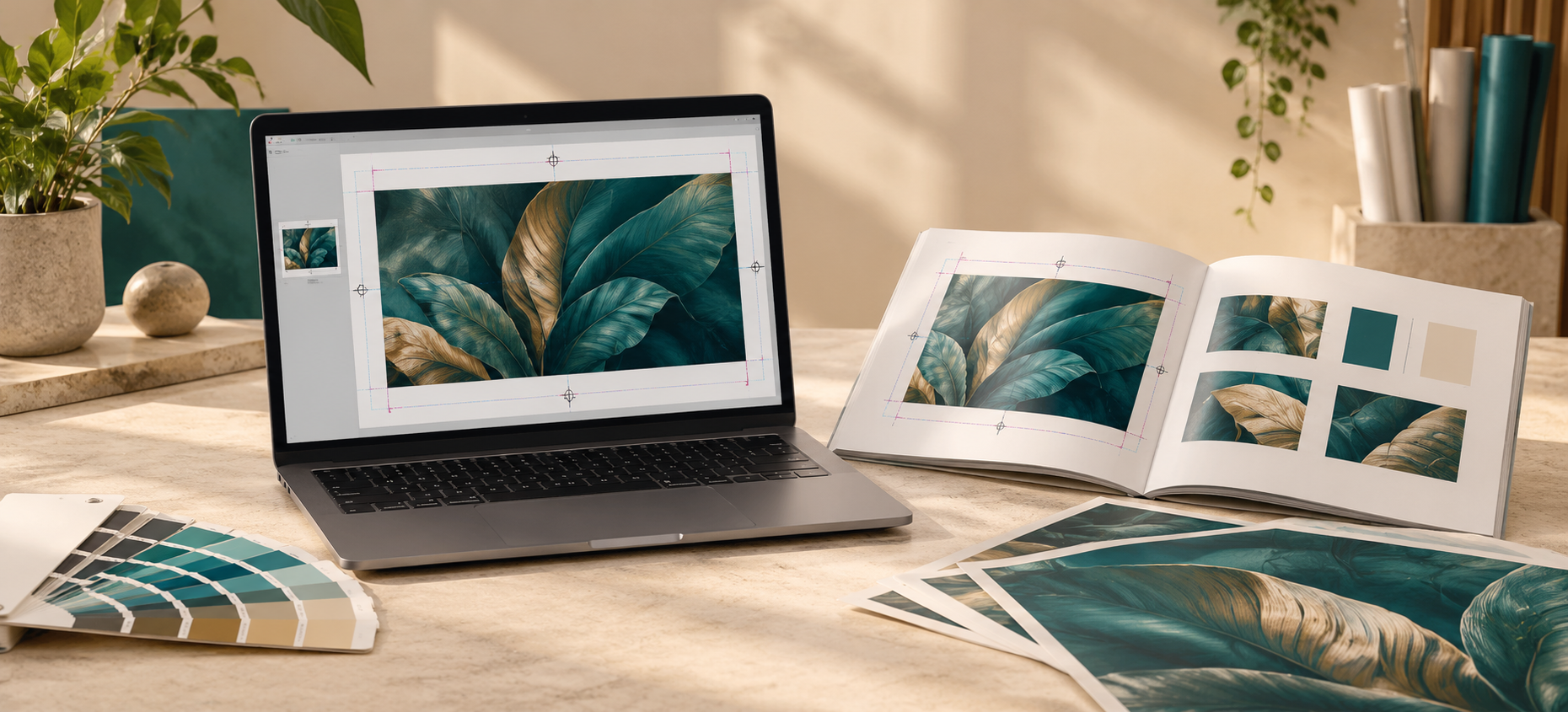
Upload your PDF, JPG or PNG, enter the intended finished size and receive an automated guideline covering file format, proportions, resolution and the important items that still require manual review.
Upload Your Artwork
Your temporary upload will be deleted immediately after analysis.
Artwork Check Complete
Results pending
Recommended Checks and Corrections
Your full guideline report
Download a clear PDF showing your artwork details, findings, recommended corrections and manual checklist.
How It Works
- Upload your artwork.
- Enter the final size you want printed.
- Review what passed, what needs attention and what must be checked manually.
- Download your guideline report.
What We Check
- File integrity and format
- Artwork dimensions and proportions
- Effective raster resolution
- Basic colour information
- PDF page and technical indicators
What You Must Check
- Spelling, dates and contact details
- Correct content and image quality
- Safe areas, bleed and finishing
- Colours, transparency and overprint
- Permissions and final approval
Privacy and File Deletion
Your file is used only for this check. The temporary upload is deleted immediately after analysis. It is not saved to your Media Library or attached to an order.
Frequently Asked Questions
Does this mean my artwork is approved for production?
No. The results provide automated guidance only. A score or tick does not guarantee that the artwork is 100% print-ready or error-free.
Why do I need to enter the finished size?
The same image may be sharp at a small size and unsuitable when enlarged. The finished size lets us estimate effective resolution and compare proportions.
Can the checker read everything in my file?
No. Some PDF content is compressed or constructed in ways an automated tool cannot reliably interpret. Anything uncertain is identified for manual confirmation.
Does the checker proofread my wording?
No. You must manually check all spelling, names, dates, phone numbers, prices, images, logos and other content.
What file types can I upload?
The first version accepts PDF, JPG and PNG files up to 100 MB. Export native design files such as AI, PSD or INDD to a suitable PDF before checking.
What happens to my uploaded artwork?
The temporary file is deleted immediately after the automated analysis. The checker does not add it to the WordPress Media Library.
Automated Artwork Check Disclaimer
This free artwork preflight checker provides general guidance to help identify common technical issues. Automated checking cannot inspect, interpret or verify every element of a file. A successful result, readiness score or tick does not guarantee that artwork is 100% print-ready, error-free or suitable for production. Results may be incomplete or inaccurate if the checker cannot correctly read part of the uploaded file.
You remain responsible for reviewing and approving your artwork, dimensions and content. JBMVootu is not responsible for errors, omissions or production outcomes resulting from reliance on this automated report. Artwork submitted with an actual order will undergo a separate production review before printing.