
Before You Print
Everything you need to prepare for professional printing, from artwork and image quality to materials, production and finishing. This guide helps you understand the process, make confident choices and achieve the best possible result.
Print Preparation & Production Information
A practical guide to image quality, artwork preparation, print options, materials, colour management, bleed, file transfer, production, delivery, care and support before your order enters production.
Image Quality Matters
The quality of your final print starts with the quality of your image file. A high-quality image provides better detail, smoother colour transitions, and a sharper finished result.
Resolution & Image Size
The larger the print, the more image information is required. Images with higher pixel dimensions allow us to produce larger prints while maintaining clarity, detail, and professional-quality results.
Viewing Distance Makes a Difference
Different prints are viewed from different distances. Close-up artwork requires higher detail, while large-format displays can use different resolution requirements depending on how they will be viewed.
Low Quality Images
Images from websites, screenshots, or heavily compressed files may look acceptable on a computer screen but can lose detail, sharpness, and colour accuracy when enlarged for printing.
Free Artwork Review
Before production begins, every file is reviewed to check image quality and identify any issues that may affect the final result. If adjustments are needed, we provide guidance before printing.
Print With Confidence
Understanding image quality helps ensure your artwork is prepared correctly, giving you confidence that your final print will look its best.
Supported File Formats
To ensure the highest print quality, we only accept specific file types and follow a simple upload process. This keeps everything secure, consistent, and correctly linked to your order.
JPEG
.jpg / .jpeg files are suitable for high-quality photographic artwork when supplied at sufficient resolution.
TIFF
.tif / .tiff files are ideal for high-resolution image files where maximum image information needs to be retained.
High-resolution PDF files are suitable for professional print artwork and prepared production files.
PNG Files
PNG files are not recommended for professional printing as they can reduce colour accuracy and print consistency depending on how they are prepared.
How To Upload
All files must be uploaded directly through our website when placing your order. This ensures your artwork is correctly attached to your job and processed without delays.
No Preparation Required
Our team handles the technical adjustments after upload to ensure your artwork is ready for production.
You’re Fully Supported
Every file is checked before printing. If we find low resolution, pixelation, cropping problems or print suitability concerns, we will contact you before production begins.
Understanding Your Image Details
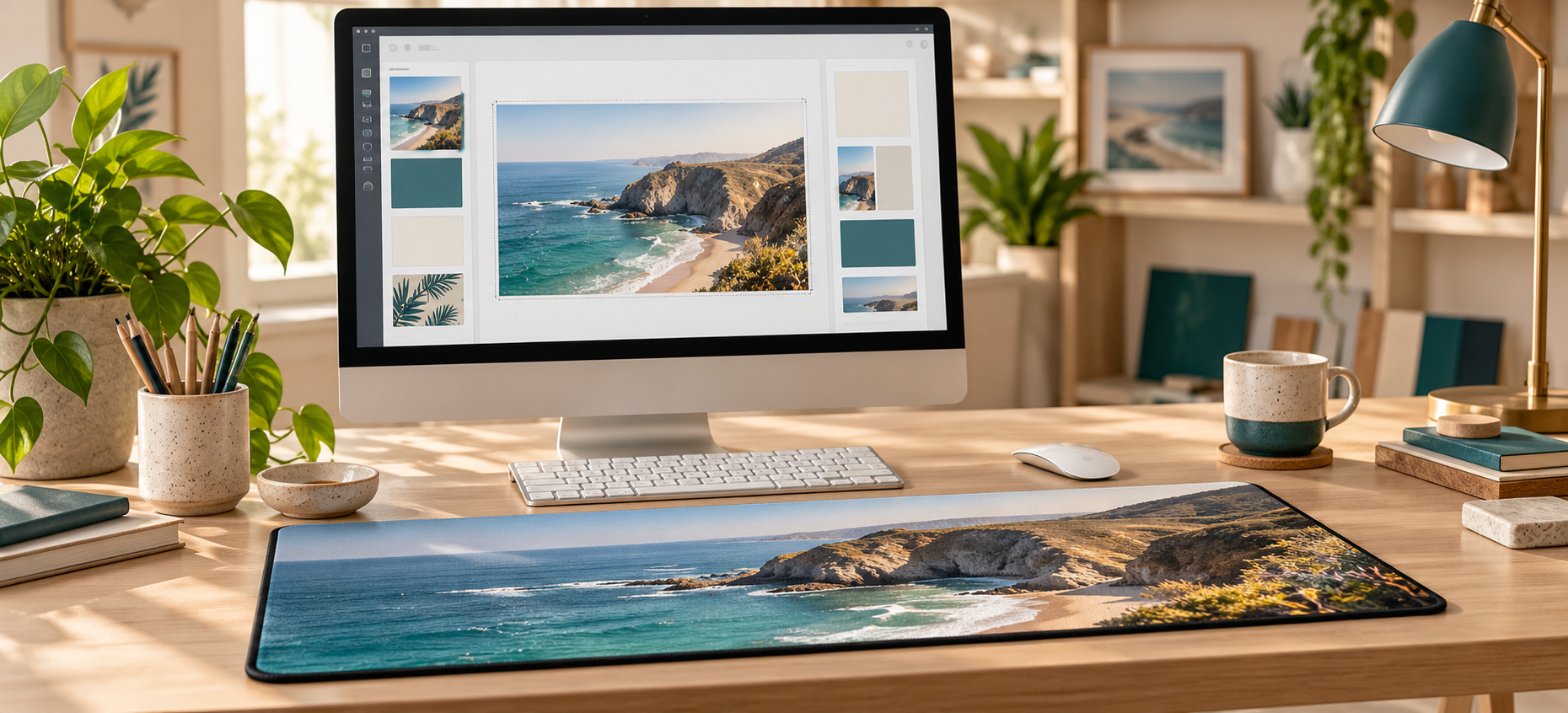
You can quickly check the quality and technical details of your image using tools already built into your computer. This helps you understand whether your file is suitable for printing and what size it can be produced at.
Checking on Windows
Right-click image → Open with Photos → Right-click again → File info.
Checking on Mac
Open image in Preview → Tools → Show Inspector → Click the “i” icon to view details.
File Size Is Only A Guide
File size can provide a simple indication of image quality, but it should always be considered together with resolution and pixel dimensions.
No Extra Software Required
Most computers already include the tools needed to view basic image information, giving you a quick indication of your file quality before ordering.
Can Phone Photos Be Printed?
Yes — phone photos can be suitable for printing in many situations, depending on the resolution, image quality, and how the photo was captured.
Flexible Sizing
Your image does not need to match the final print dimensions exactly. Our workflow allows images to be resized, repositioned and cropped to suit different print sizes.
Image Compression
Most smartphones automatically compress images, which can reduce fine detail compared with professional camera files. Using the highest quality settings helps achieve better results.
We Optimise Your Image For Best Results
Every file is checked before printing to ensure your phone image is correctly prepared and produces the best possible outcome.
Control How Your Image Is Prepared
You can decide how your image is handled before it goes to print. This gives you control over whether we enhance your file or print it exactly as provided.
Enhance My Image
We optimise your file where needed, including colour balance, tone, clarity and overall image optimisation for print output.
Print As Provided
We print your image as supplied without image enhancement. This option is ideal for photographers, pre-edited artwork and files already prepared for print production.
You Remain In Control
You decide the level of enhancement. Our role is to provide the expertise and professional printing required to achieve the best possible finished result.
Premium Materials For Professional Results
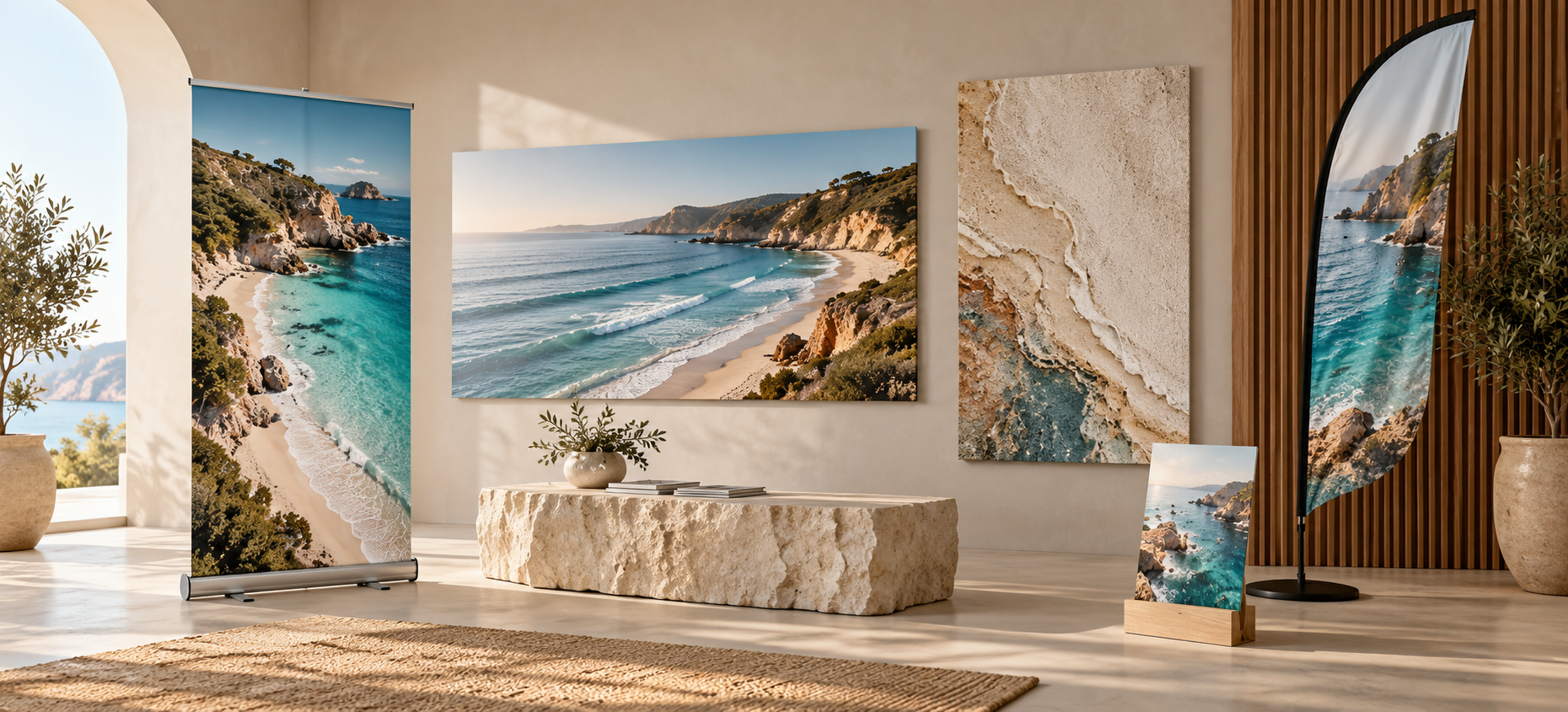
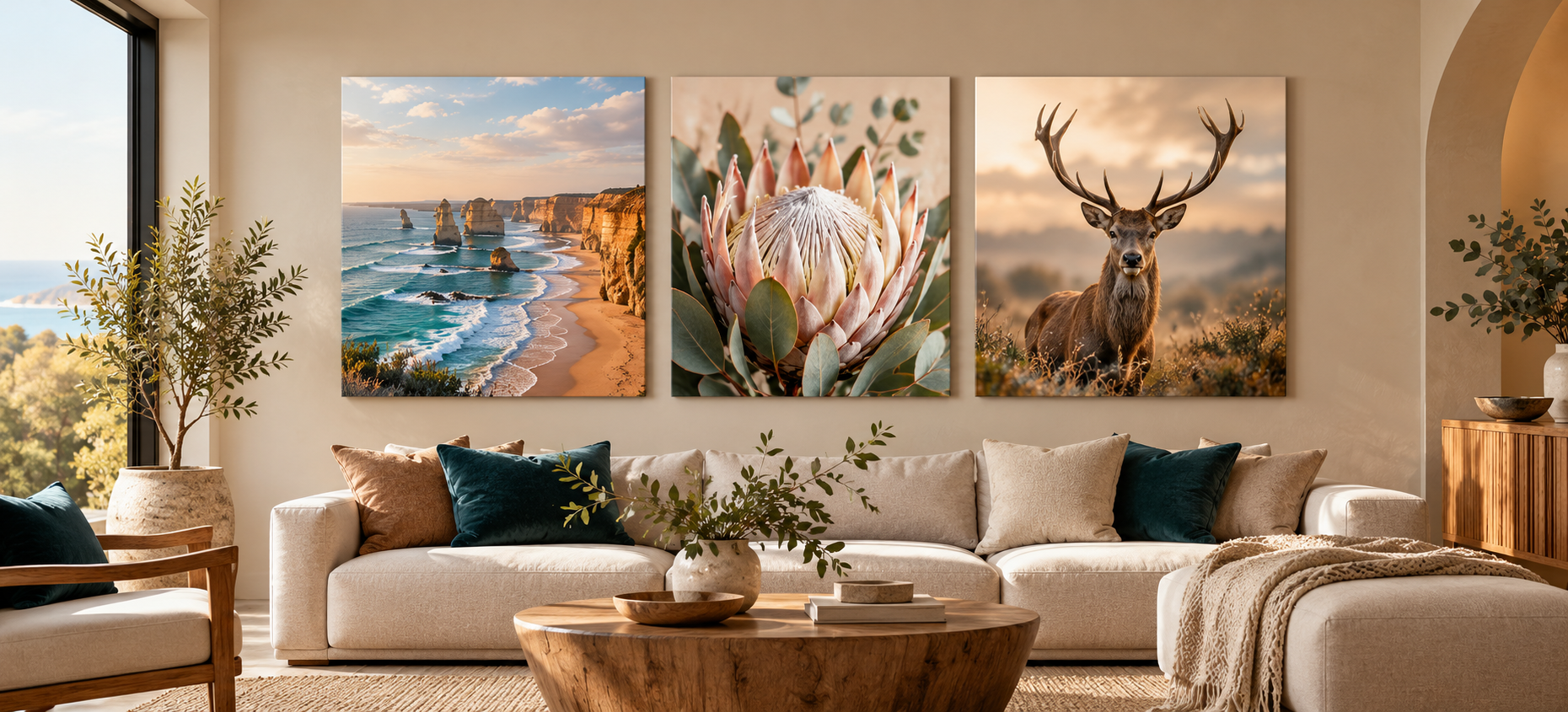
Our prints are produced using carefully selected materials designed for professional image reproduction, colour accuracy, and long-term durability across different environments.
Material Selection
Each material is matched to the image type and intended display environment to achieve the best possible visual result.
Durability
Durability depends on the selected material and intended application. Product-specific performance information is provided on individual product pages.
Colour Longevity
Colour stability depends on the print system, material and display environment. UV exposure and environmental conditions can affect long-term performance.
Built For Professional Results
Every print is produced using modern printing technology, carefully selected materials and controlled quality checks to provide consistent professional output.
A Clear Process From Start To Finish
Every order follows a controlled process from file review through to production, finishing and delivery.
File Review
Adjustments
Approval
Production
Local Pickup
Local pickup is available from our Airport West, Melbourne VIC 3042 studio, allowing direct collection without courier delivery.
Final Inspection
Completed orders undergo a final quality check and inspection before dispatch or collection.
Changes After Ordering
Changes are generally available before final approval. Once production has commenced, changes may no longer be possible.
Production Begins After Final Confirmation
Your artwork and order details are reviewed before production so the job can move forward with the correct specifications.
Designed For Long-Term Display
Each print is designed for long-term display with minimal maintenance. With the right care and correct installation, your finished product can remain in excellent condition for years.
Cleaning & Care
Care instructions are provided according to the product and material. If you are unsure about cleaning, contact us before using cleaning products or methods that may damage the surface.
Installation
Many display products include a mounting or display system suited to their intended application. Product-specific installation information is provided where applicable.
Long-Term Support Included
We don’t just produce your print — we can also provide guidance to help keep your finished product looking its best after it leaves our studio.
Support At Every Stage
We’re here to help before you place an order, during file review, throughout production and after your finished product is completed.
Unsure About Your Image?
Upload your image with your order and add a note if you have concerns. We can review image quality, resolution, sizing and general print suitability.
Need Help Before Ordering?
We can provide guidance on image suitability, print size recommendations, material selection and general product options before you order.
Clear Communication
If there is an issue with your order, we will work with you directly to understand the problem and find an appropriate solution.
Support You Can Rely On
Our goal is to make sure you understand the process, receive the right product for your application and have access to support when you need it.

What Is Colour Space?
Colour space defines how colour information is interpreted between your device and our print system. It helps ensure images are translated correctly from screen to print.
sRGB
Recommended for most users. Common across web, mobile and general editing workflows.
Adobe RGB
Suitable for photographers and designers working in colour-managed editing environments.
ProPhoto RGB
Advanced wide-gamut colour space generally used in RAW photography workflows.
Why Profiles Matter
If no profile is embedded, image colour may be interpreted differently between devices and print workflows.
If Unsure, Use sRGB
Always embed your colour profile so your file carries the information needed for predictable colour interpretation.
What Is Vector Artwork?
Vector artwork is built from mathematical paths instead of pixels, allowing it to scale without the pixelation associated with raster artwork.
Reliable and widely compatible professional print format.
AI / EPS
Common working vector formats used for professional design and print production.
SVG
Scalable vector format commonly used for digital artwork and compatible vector workflows.
Preserve Vector Data
Keep logos, text and graphic elements as vector artwork wherever practical so they retain clean edges and scalability.
Professional Mixed-Media File Preparation
Many designs combine photographs with vector text, logos or graphic elements. Correct file handling allows each element to retain the characteristics best suited to print.
Raster Content
Photographs and pixel-based imagery should be supplied at sufficient resolution for the intended finished size.
Vector Content
Logos, text and scalable graphic elements should remain vector wherever possible.
Common Mistakes
Avoid rasterising logos or text unnecessarily, using low-resolution placeholders, or exporting files with missing linked artwork.
Understanding Print Safety Margins
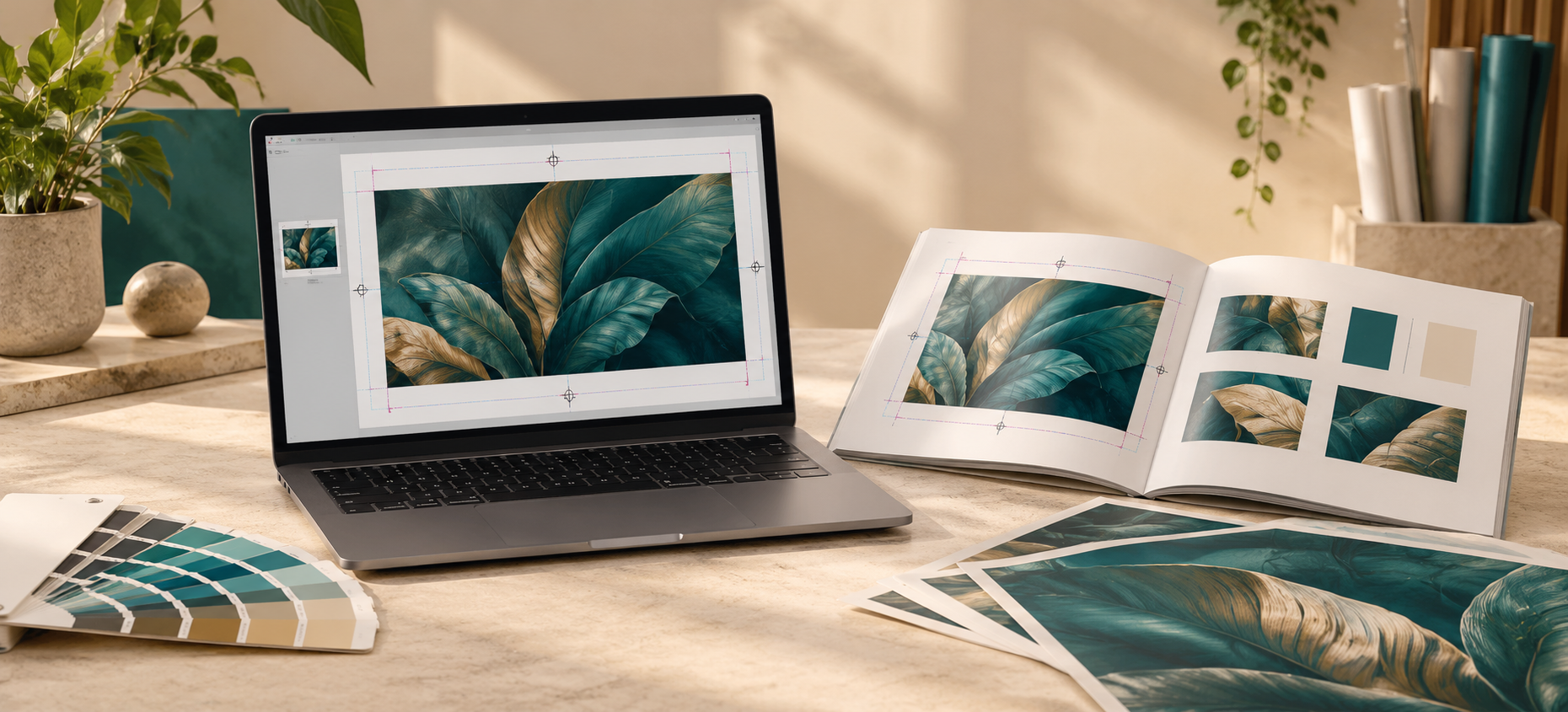
Bleed and safe zones allow for production tolerances while protecting important artwork elements from unwanted trimming or edge variation.
Product Specifications Take Priority
Bleed and safe-zone requirements can vary by product. Always follow the specific artwork template or product-page instructions where provided.
Controlled File Submission
Artwork should be submitted using the file-upload method provided for the order so the correct artwork remains linked to the correct job.
File Naming
Use clear file names that identify the project, dimensions and version where practical.
Approval Process
Artwork is reviewed before production and any required clarification or approval is completed before the job progresses.
Nothing Moves Forward Until The Artwork Is Ready
The artwork review and approval process is designed to catch problems before production rather than after the print has been produced.
Professional Text And Logo Preparation
Text and branding elements should remain clear, readable and appropriately prepared for the intended print size and viewing distance.
Typography
Use clear, legible type, strong contrast and appropriate sizing for the intended viewing distance.
Logos
Vector artwork is preferred because it retains clean edges when scaled for different print sizes.
Clarity At The Intended Size
Typography and branding should remain visually clean and readable at the final production size and expected viewing distance.
Accurate Colour Management
Consistent colour-management practices help reduce unexpected differences when artwork moves between editing software, displays and printing systems.
RGB
Common for photography, digital imaging and screen-based workflows.
CMYK
Used in many conventional print workflows, depending on the specific output process and production requirements.
Use A Controlled Workflow
A consistent working colour space and embedded profile provide useful reference information throughout artwork preparation and print production.
Design Principles For Maximum Impact
Strong design is built around clear visual hierarchy, readability and consistency. Installation and display conditions should also be considered during artwork preparation.
Installation Planning
Consider the mounting surface, display environment, product hardware and installation method before finalising the artwork where these factors affect the design.
Pre-Submission Review
Confirm image quality, artwork dimensions, bleed, safe zones, colour profiles and file naming before submitting the final production file.
Prepare For The Real Display Environment
Good artwork preparation considers not only how the file looks on screen, but how the finished product will be produced, viewed and installed.
Ask the JBM Displays team
If you are unsure about image quality, colour, bleed, file formats or production requirements, contact us before submitting your order.
Contact JBM Displays